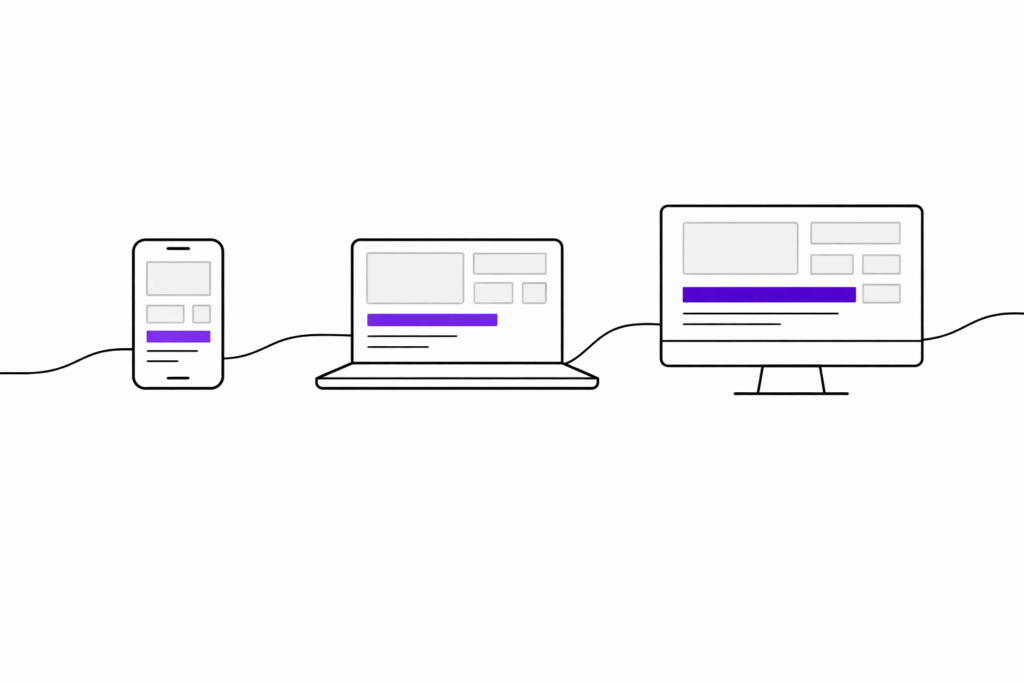
If you still think of Flutter as “a mobile framework,” you’re stuck in yesterday’s product reality. Users don’t live on one screen anymore. They start on their phone, continue on a laptop, and expect a smooth experience everywhere. The real question isn’t whether multi platform matters. It’s how to do it without rebuilding the same product three times.
Flutter can be a strong answer, but not for the reasons people usually repeat. It’s not magic “write once, run anywhere.” It’s a practical way to share the right parts. Your product logic, your design system, and a large chunk of UI. At the same time, you still adapt where platforms differ.The point
The biggest mistake is not choosing Flutter. The biggest mistake is pretending web and desktop are just bigger mobile.
If you budget for divergence and design for each surface, Flutter becomes predictable. If you do not, it becomes expensive in slow and quiet ways.
What “one codebase” really means (and what it doesn’t)
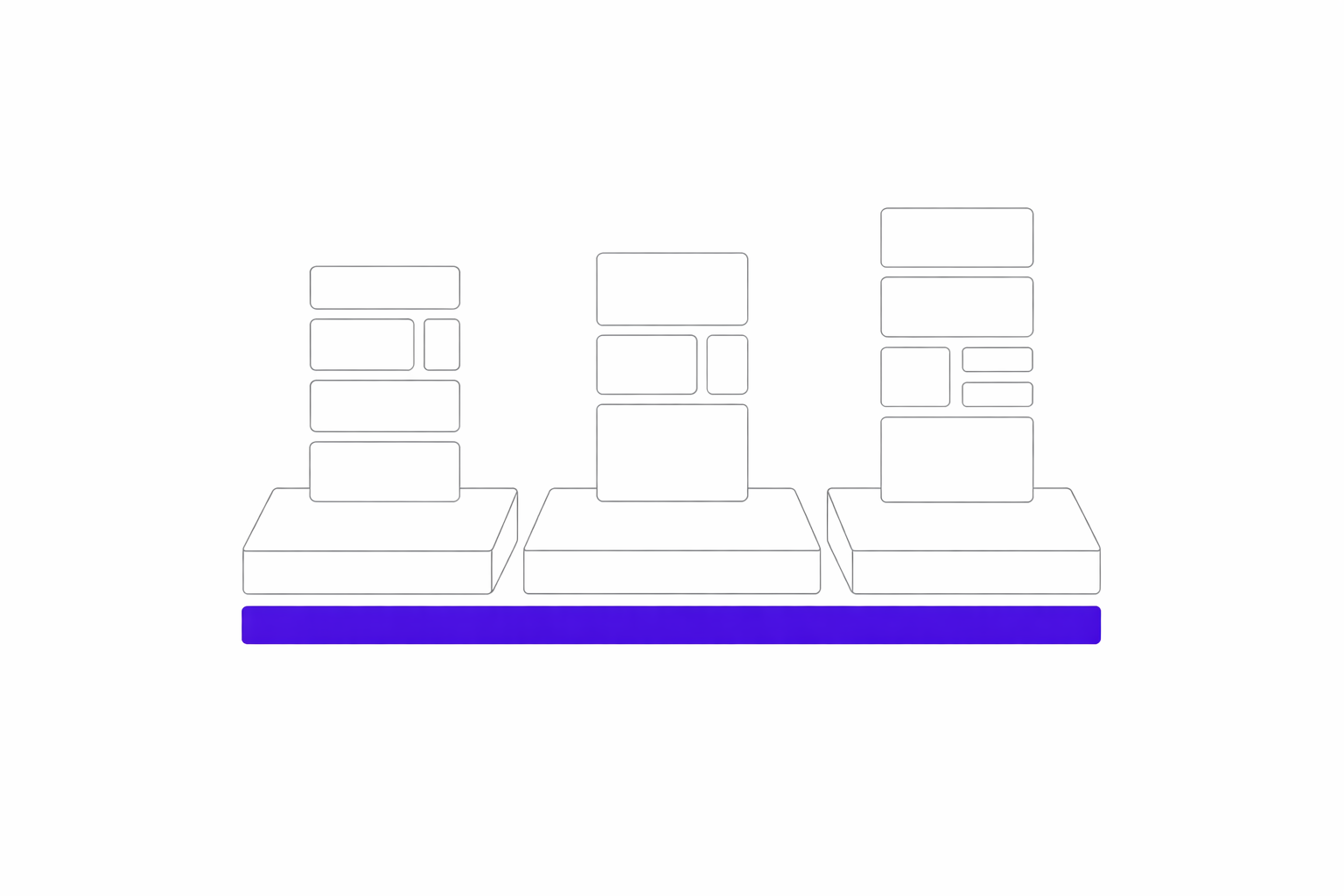
- Product logic: rules, workflows, validation, caching, and sync.
- UI building blocks: a component library and consistent states like loading, errors, and empty states.
- Design consistency: a design system that does not drift across platforms.
This looked like a good idea. It wasn’t.
What broke on web and why
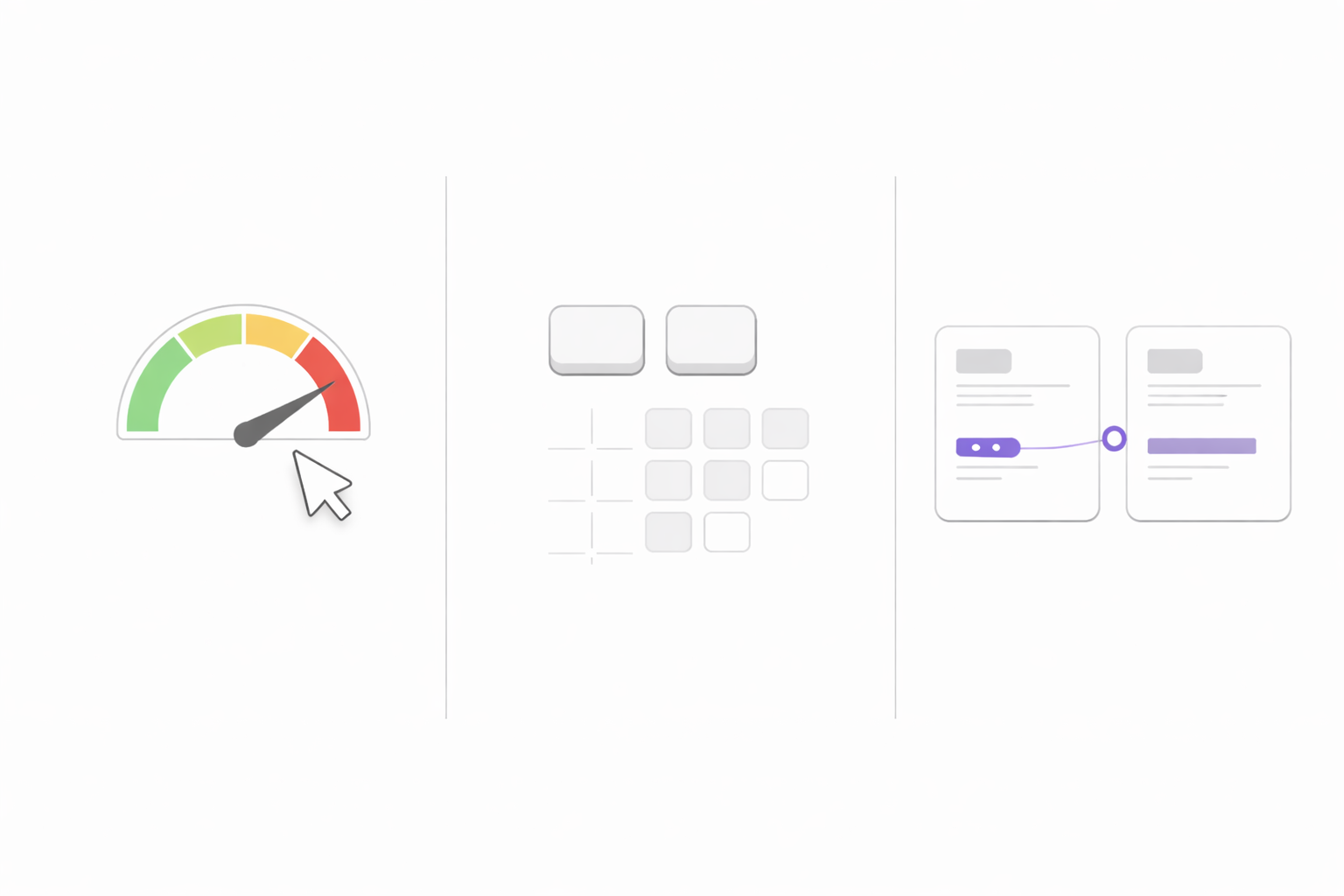
Web punished us in places mobile never did. First load and perceived speed became a product feature. Accessibility issues surfaced earlier. Small UX mismatches felt bigger because users expected web patterns.- First load: users notice and they leave
- Input and navigation: keyboard and pointer expectations are unforgiving
- Accessibility: you cannot bolt it on later without pain
- Performance budgets: you need constraints and measurement from day one
The thing Flutter fans won’t tell you
Flutter is not a shortcut. It is a leverage tool. If your team lacks product discipline, one codebase simply amplifies the chaos.
When Flutter is a great fit
Flutter tends to shine in product work that feels app like rather than website like. Here are the scenarios where it usually performs best.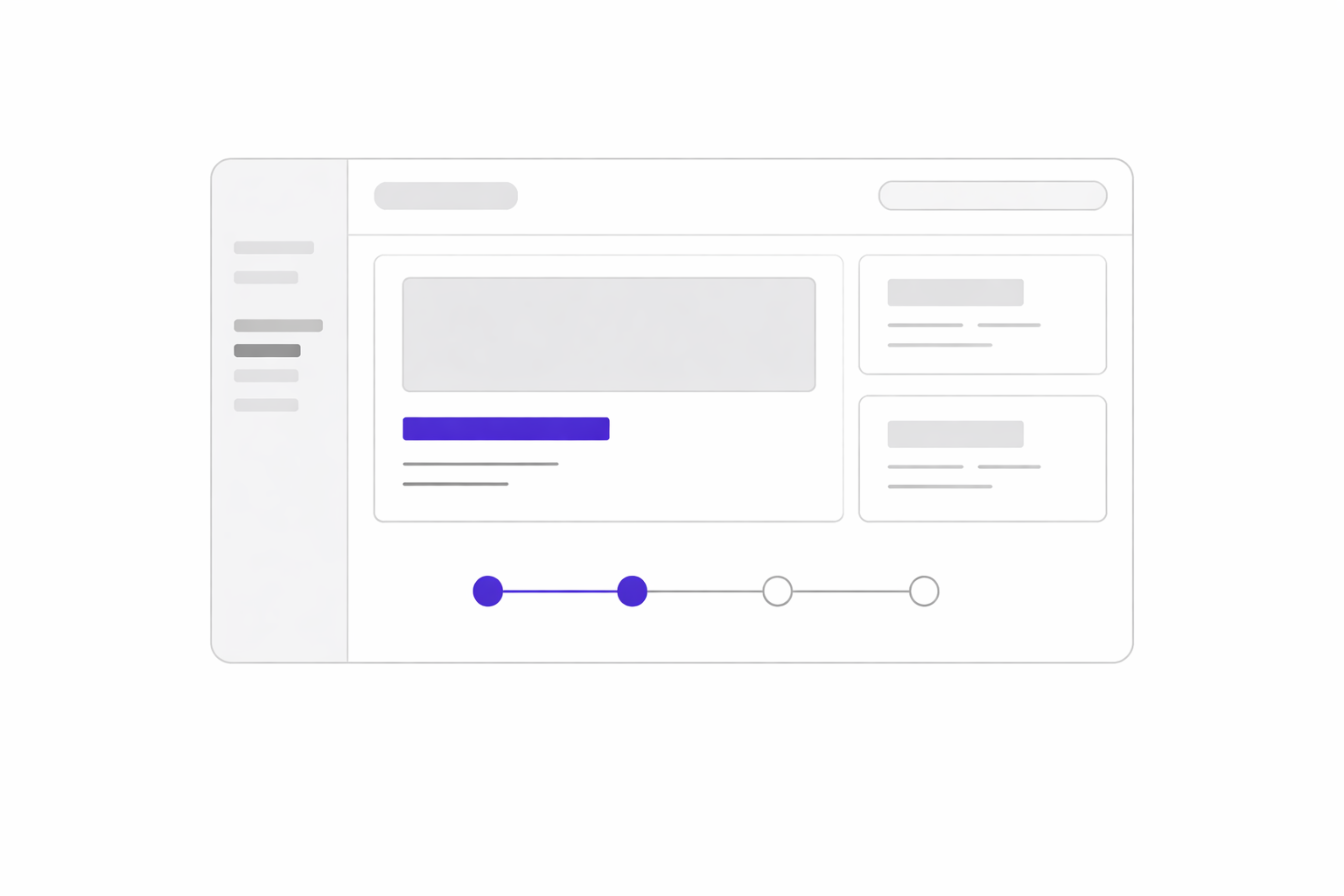
When Flutter is not the best choice
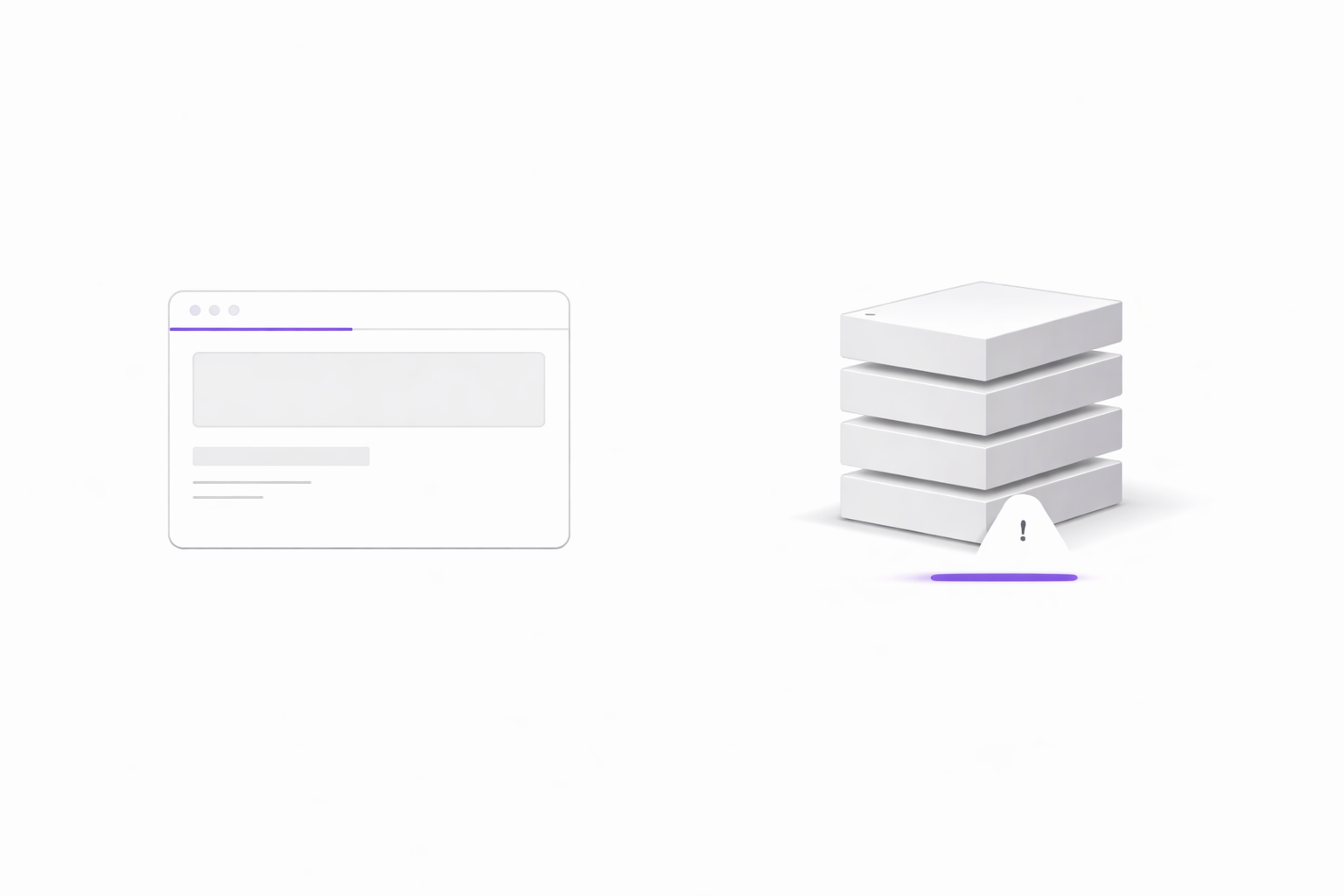
A realistic strategy includes situations where Flutter isn’t the right tool. Sometimes it also should not be the only tool.- SEO first sites and publishing: landing pages, blogs, and content heavy sites usually benefit more from server rendered frameworks.
- Web projects with extreme first load requirements: if Core Web Vitals are the main growth lever, you need to be extra deliberate.
- Desktop apps with deep OS integration: depending on scope, native solutions may be a better fit for advanced system level features.
Real world patterns we’ve seen (without NDA details)
To make this less theoretical, here are a few patterns that come up in real Flutter builds.Enterprise banking style requirements
In regulated and security sensitive products, the value of Flutter is not shipping faster at all costs. The value is building a system that stays maintainable. This usually means strict authentication including biometrics, consistent access patterns, strong test coverage for critical flows, and automated CI/CD that reduces release risk. In these environments, predictability creates speed.Smart home and IoT control
IoT apps live or die by user trust. If device state feels uncertain, toggles lag, statuses flicker, or feedback is unclear. In those cases the product feels broken. Real time updates, reliable state handling, secure access, and resilient UI patterns matter as much as the UI itself.Travel and booking apps with high stakes moments
Some products have moments where failure is not an option. This can be a ticket at the gate, a meeting point on a map, or a booking confirmation under time pressure. That’s where offline access, robust flows, and clear error handling stop being optional.Why we are opinionated about this
We shipped Flutter to production across multiple surfaces and learned where it is predictable and where it bites. The patterns above come from work in regulated products, travel flows, and device control experiences.
The trade offs (quick and honest)
Web
Great for app like experiences, but be intentional about first load, accessibility, and where SEO matters.Desktop
Users expect keyboard shortcuts, dense layouts, and fast navigation. Do not ship a stretched mobile UI.Consistency vs sameness
Share the system and adapt the UX.A quick checklist before you commit
- Do we need the same workflows and business rules across platforms?
- Is our web an application, meaning logged in, and not primarily a marketing or SEO surface?
- Do we care about a unified design system and predictable UX?
- Are we ready to treat quality as a system with CI/CD plus testing for critical flows?
If most answers are yes, Flutter is likely worth serious consideration. If not, you may still use it for part of the product, but do not force it into a job another stack does better.